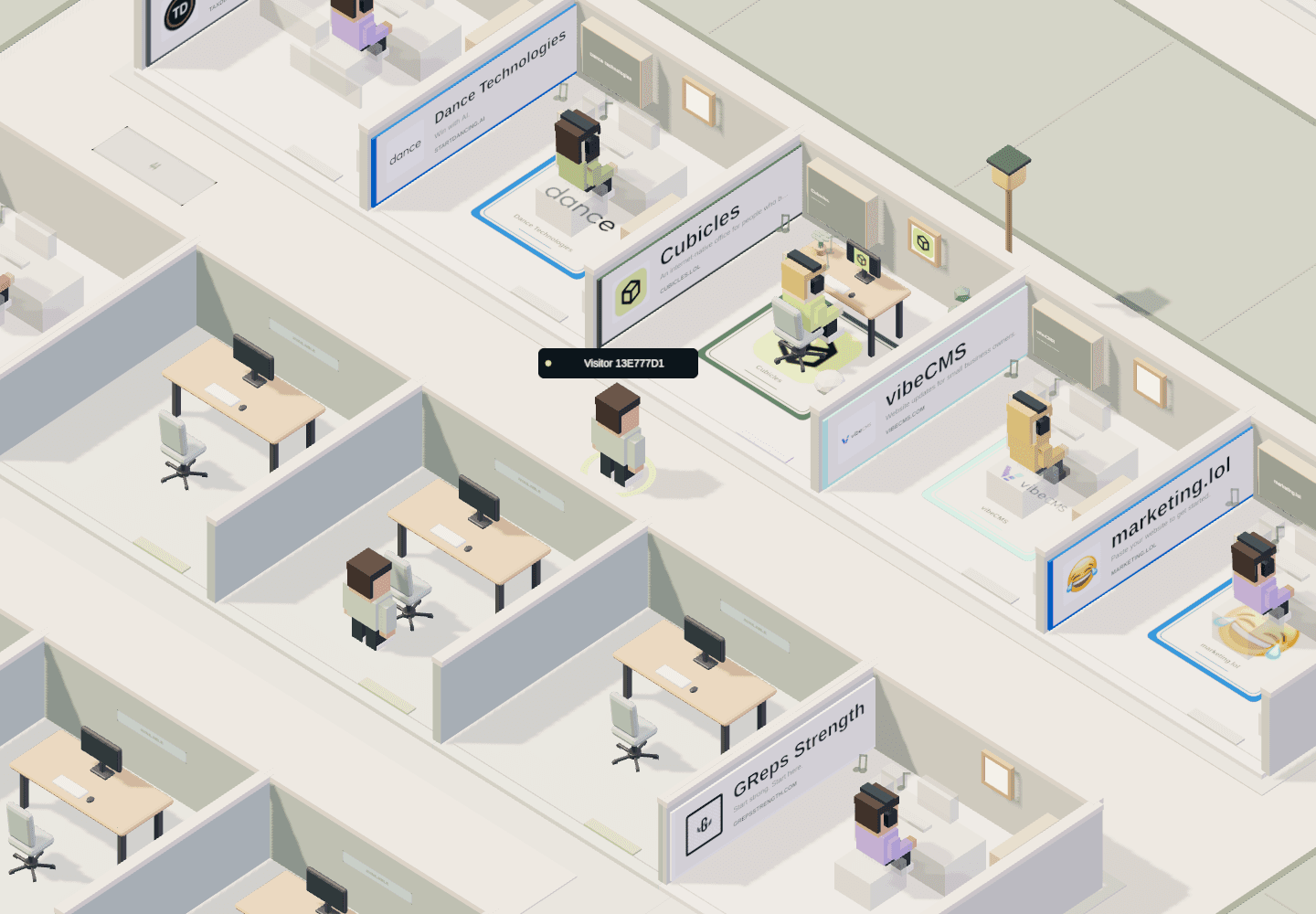
1. Open the office as a guest.
Visit cubicles.lol in your browser and let the 3D world load. You can explore as a guest without creating an account. There is no separate app to install, and you do not need to rent a cubicle to look around.
Give yourself a moment to get oriented. You are in a shared office neighborhood, with walkways between individual spaces. This is not a level you need to finish: choose a direction and see what catches your eye.
2. Get comfortable with the controls.
On a desktop or laptop, a keyboard and mouse make the first few minutes straightforward. Start with movement and the camera before trying to inspect a space.
- Walk
- WASD or the arrow keys
- Walk to a spot
- Click the ground
- Run
- Hold Shift while moving on foot
- Jump
- Press Space while on foot
- Rotate the camera
- Click and drag
- Zoom in or out
- Use the on-screen + and − controls
- Inspect a cubicle
- Double-click the cubicle
- Find the full control reference
- Open Controls in the game
These are keyboard and mouse controls. Different camera modes and touch devices can use different inputs. The in-game Controls panel is the reference for the current version.
3. Take your first walk.
Follow an aisle rather than trying to see the whole world at once. Look at the signs on occupied spaces, double-click an interesting cubicle, and see how its owner has presented their project. Two neighboring offices can have very different personalities.
Open Map to get your bearings when you want a wider view. Try a different camera angle if a wall is blocking your view of a space. A short visit can be as simple as finding one office you like and one detail you would borrow for your own design.
The world also has chat and social controls. You do not have to use them to enjoy exploring; some actions will prompt you to sign in. See the neighborhood guide for the social side of a visit.
4. Decide whether to make it home.
If wandering is all you want, keep wandering. If you want a persistent space of your own, create an account in Cubicles and look at the available rentals. A cubicle or larger office is a paid subscription, separate from free guest exploration.
Review the space, recurring price, and subscription terms in the game before checking out. An empty-looking cubicle is not a promise that it is available, and free exploration does not include a free rental. Once you have a space, the office design guide can help you plan your first setup.
Choose a comfortable setup.
A modern desktop browser with a keyboard and mouse is the easiest place to learn. Cubicles needs an internet connection and working browser support for 3D graphics. Performance varies with your hardware, browser, and other open tabs.
You can also open the site on a phone, but use the on-screen controls rather than this guide’s keyboard shortcuts. If the scene does not load, try an up-to-date browser with graphics acceleration enabled and reload the page. You do not need to download an unofficial installer.