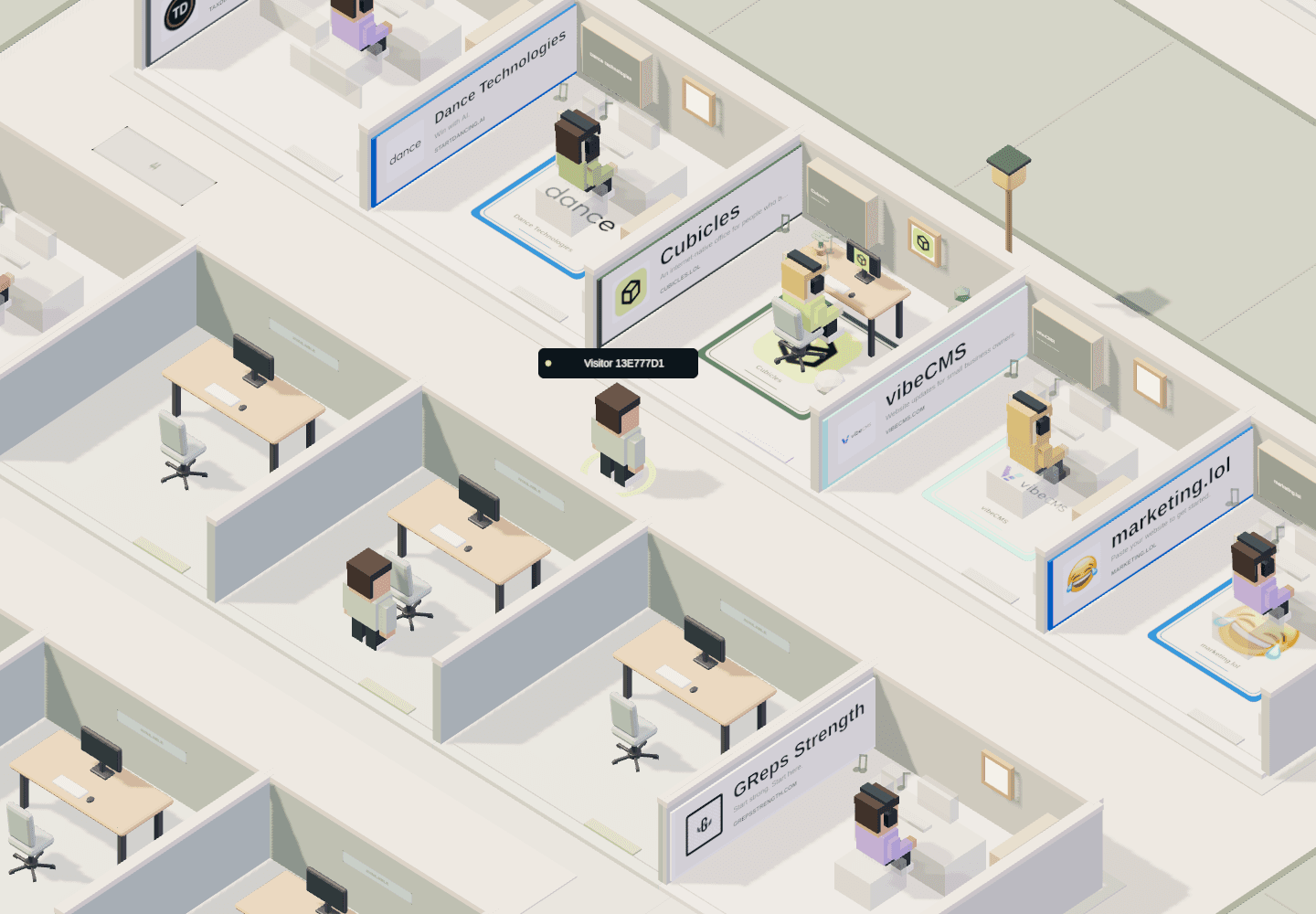
A small space in a shared world.
In Cubicles, your office is part of a neighborhood other people can explore. Rent a space and use the in-game editor to personalize it. Your layout is not just for a private screenshot: visitors see it in the context of the offices and walkways around you.
Think of it as a home for you, your project, or a particular idea. The live world includes spaces with desks, seating, decorations, and project signs. The available editing tools and objects are shown in the game; this guide offers design ideas, not a promise that every imagined item is in the catalog.
Exploring other offices is free. Having a space to edit requires an account and a paid rental. You cannot redecorate another person’s cubicle just by visiting it.
Start with the layout, not the accessories.
Choose one thing you want a visitor to notice first. It might be the desk, a project display, or a small seating area. Give that element enough room to be recognizable from the aisle, then arrange the rest around it using the editor’s available tools.
- Leave breathing room. An open patch of floor can make the objects you keep feel more intentional.
- Check the visitor’s angle. A layout that reads well up close can look cluttered from the overhead camera.
- Keep a clear focal point. Several equally prominent objects compete for attention in a small cubicle.
- Design for your actual footprint. Work with the space you rent before assuming you need a bigger office.
Three directions for your first office.
These are starting points to interpret with the objects and options available in your editor—not named templates or preset rooms.
The quiet desk
Begin with a simple desk-and-chair arrangement. Keep extra objects to a minimum and let a few details do the talking. This is a useful approach when you want your space to feel considered without spending your first visit adjusting everything.
The project home
Make the office about what you are building. Aim for one clear identity and a layout that supports it. If you add project information, keep it short enough that someone passing through can understand what the space represents.
The neighborhood living room
Take a more social approach: let seating and open space shape the arrangement rather than treating the desk as the only important object. The goal is a welcoming impression, not a claim that the office needs to function as a meeting tool.
Add a few details. Then take a step back.
Once the layout works, choose a small number of accents. Repeating a color or visual theme usually creates a clearer identity than filling every available surface. Where the editor offers an adjustment, make one change at a time so you can tell whether it helps.
Finish by viewing the space as a visitor would. Rotate the camera, look from farther away, and compare the result with the neighboring offices. Does your main idea still read? A recognizable space often comes from editing things out, not adding more.
Look around before you pick a space.
Visit Cubicles, explore a few occupied offices, and note what you like. When you are ready, sign in and review available spaces and the current rental terms. Availability and pricing belong to the live game, so check there before making a decision.
For your first build, choose one of the directions above, make a simple arrangement, and save through the editor. You can develop the idea from there. New to moving around the world? Start with the beginner’s guide before choosing a home.